HTML TABLES
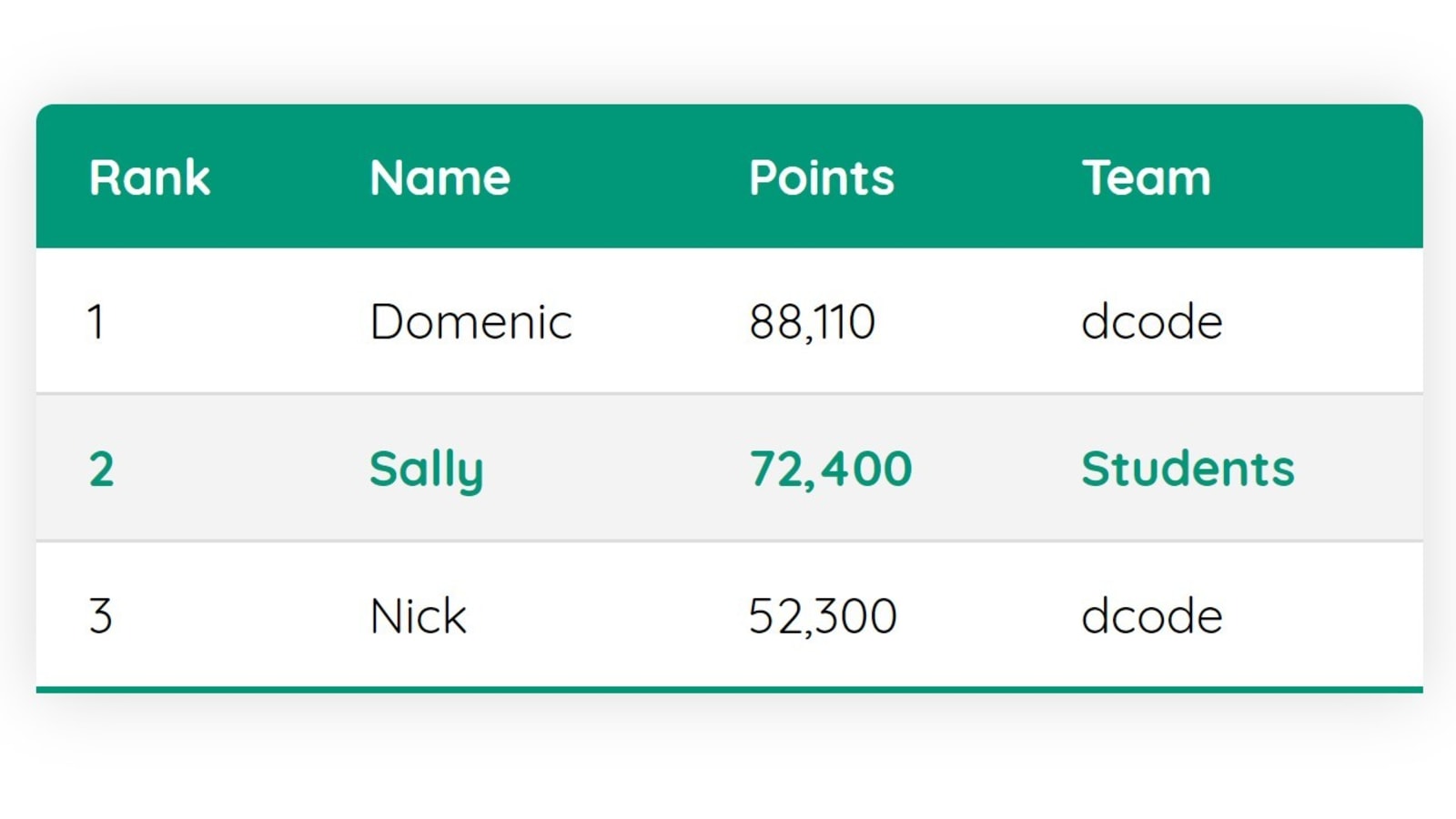
The HTML tables allow web authors to arrange data like text, images, links, other tables, etc. into rows and columns of cells.
The HTML tables are created using the <table> tag in which the <tr> tag is used to create table rows and <td> tag is used to create data cells. The elements under <td> are regular and left aligned by default
Table Heading
Table heading can be defined using <th> tag. This tag will be put to replace <td> tag, which is used to represent actual data cell. Normally you will put your top row as table heading as shown below, otherwise you can use <th> element in any row. Headings, which are defined in <th> tag are centered and bold by default.
Summary
- The <table> element is used to add tables to a web page.
- A table is drawn out row by row. Each row is created with the <tr> element.
- Inside each row there are a number of cells represented by the <td> element (or <th> if it is a header).
- You can make cells of a table span more than one row or column using the rowspan and colspan attributes.
- For long tables you can split the table into a <thead>, <tbody>, and <tfoot>. to read more about tables in html red this book
objects javascript
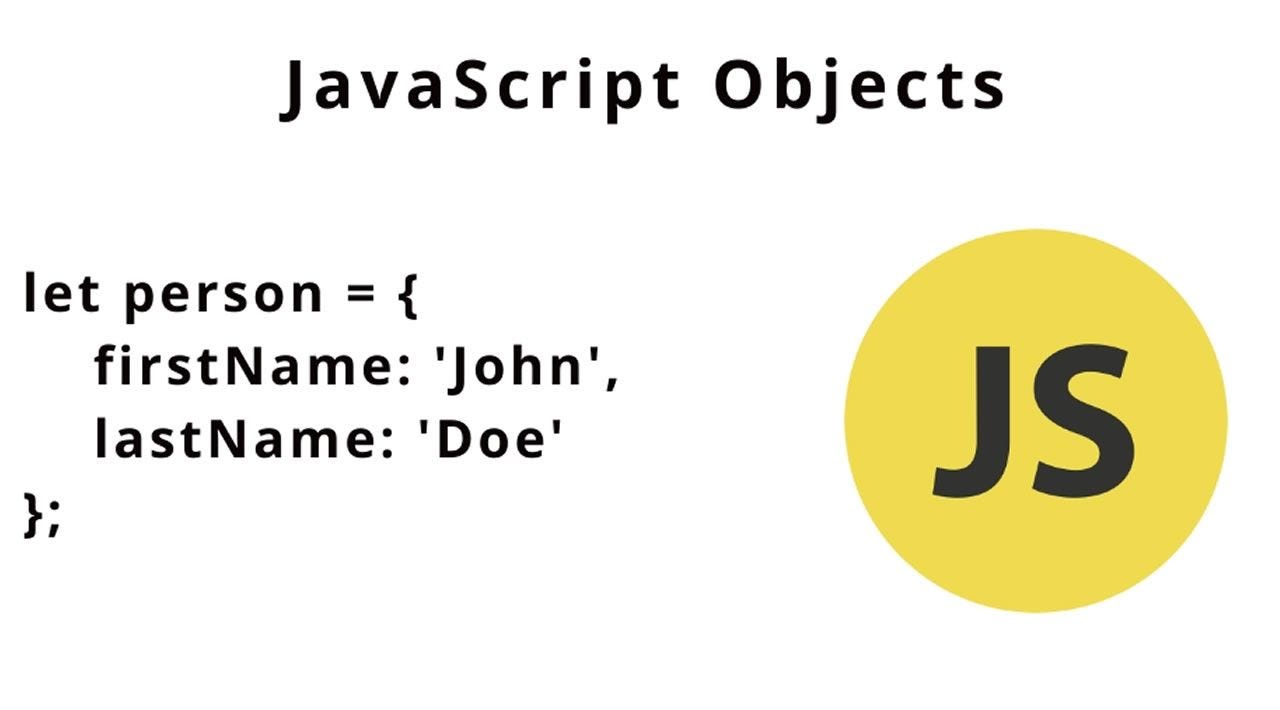 Nearly all objects in JavaScript are instances of Object; a typical object inherits properties (including methods) from Object.prototype, although these properties may be shadowed (a.k.a. overridden). However, an Object may be deliberately created for which this is not true (e.g. by Object.create(null)), or it may be altered so that this is no longer true (e.g. with Object.setPrototypeOf).
Changes to the Object prototype object are seen by all objects through prototype chaining, unless the properties and methods subject to those changes are overridden further along the prototype chain. This provides a very powerful although potentially dangerous mechanism to override or extend object behavior.
The Object constructor creates an object wrapper for the given value.
-
If the value is null or undefined, it will create and return an empty object.
-
Otherwise, it will return an object of a Type that corresponds to the given value.
-
If the value is an object already, it will return the value.
know more about objects by visiting this site or read this book Chapter 3: “Functions, Methods, and Objects” (pp.106-144)